Arten von HR-Software: Lücken und Überschneidungen erkennen


Es gibt viele Arten von HR-Software. Manche verwalten Mitarbeitendendaten und Lohnabrechnung, andere unterstützen Recruiting oder Lernen.
Die wenigsten Unternehmen wählen ihren kompletten HR-Tech-Stack auf einmal. Sie fügen Tools und Plattformen hinzu, sobald neue Bedürfnisse entstehen, was sich wie ein effizienter Weg anfühlt, um Wachstum zu unterstützen. Unternehmen nutzen jedoch im Schnitt 26 HR-Software-Tools, und die Hälfte davon erfüllt überlappende Funktionen.* Das bedeutet: HR-Teams zahlen womöglich doppelt für dieselben Funktionen und pflegen Mitarbeitendendaten oft manuell über getrennte Systeme hinweg.
Dieser Leitfaden erklärt, was jede Art von HR-System leistet und wo sie sich überschneiden. Er hilft euch, Lücken in eurem aktuellen Stack zu finden und zu entscheiden, ob ihr ein neues Tool hinzufügt, eine Integration verbessert oder konsolidiert.
* SHRM, 2025
Die wichtigsten Arten von HR-Software und ihre Überschneidungen
HR-Software gibt euch einen zentralen Ort, um einen bestimmten People-Prozess zu verwalten. Diese zentralen HR-Software-Beispiele zeigen die Hauptaufgabe jedes Systems und wo sie sich überschneiden:
- Personalinformationssystem (HRIS): Ein HRIS speichert Mitarbeitendendaten und unterstützt Workflows wie Onboarding oder Zeiterfassung.
- Lohnabrechnungssoftware: Lohnabrechnungssysteme berechnen die Bezahlung der Mitarbeitenden und bereiten Zahlungen vor. Sie sind auf korrekte Vergütungsdaten aus eurem HRIS angewiesen.
- Bewerbermanagementsystem (ATS): Ein ATS verwaltet den Einstellungsprozess von der Stellenausschreibung bis zum Recruiting. Seine Daten überschneiden sich mit eurem HRIS, sobald eine bewerbende Person eingestellt wird.
- Lernmanagementsystem (LMS): Ein LMS stellt Trainings bereit und verfolgt deren Abschluss. Es kann mit Performance-Management-Software verbunden sein, wenn ein Review einen Entwicklungsbedarf bei Mitarbeitenden aufzeigt.
- Performance- und Engagement-Software: Performance-Tools verwalten Ziele und Reviews. Engagement-Tools sammeln Feedback von Mitarbeitenden und helfen euch, die Stimmung im Unternehmen zu verstehen.
- Human Capital Management (HCM): HCM unterstützt ein breiteres Workforce-Management und kombiniert oft die zentrale Mitarbeitendenverwaltung mit Talent Acquisition. Sein Umfang überschneidet sich meist mit mehreren spezialisierten Tools.
Diese Software-Bezeichnungen beschreiben den Hauptzweck jedes Systems, aber ein einzelner HR-Prozess kann mehrere Tools umfassen. Nehmt zum Beispiel eine Gehaltserhöhung, die während eines Performance Reviews genehmigt wird: Das HRIS muss diese Änderung erfassen, und das Lohnabrechnungssystem muss den neuen Betrag übernehmen.
Mit wachsendem Unternehmen zählen doppelte Software-Funktionen weniger als getrennte Datensätze, die oft mehr administrative Arbeit für die Personalabteilung bedeuten.
So erkennt ihr HR-Tech-Schulden in eurem Stack
HR-Tech-Schulden entstehen durch Reibungsverluste, wenn Funktionen fehlen oder Systeme keine Daten teilen. Sie wachsen auch, wenn ein HR-Prozess auf zu viele Tools verteilt ist.
Die Anzahl eurer Tools sagt wenig über die HR-Reife aus, wenn euer Team Funktionen weiterhin manuell verbinden muss. Eine Gartner-Umfrage ergab, dass nur 35 % der HR-Verantwortlichen glauben, dass ihr Technologieansatz die Unternehmensziele unterstützt.
HR-Tech-Schulden treten meist in vier Formen auf.
Admin-Schulden halten die Personalabteilung mit Arbeit beschäftigt, die eigentlich Software übernehmen sollte
Admin-Schulden sind sich wiederholende Arbeiten und Prozesse, die Zeit fressen. Laut Deloitte verbringen HR-Teams oft bis zu 57 % ihrer Arbeitszeit mit administrativen Aufgaben.
Nimmt eine Bewerbung zum Beispiel ein Jobangebot an, muss HR deren persönliche Daten und Rolleninformationen oft erneut im HRIS erfassen. Danach müssen diese Informationen auch in der Lohnabrechnung aktualisiert werden. Jede Aktualisierung wirkt klein, bis das Einstellungsvolumen steigt oder jemand falsche Angaben einträgt, was einen Rückstau für zahlreiche Prozesse erzeugt.
Um Admin-Schulden zu bewerten, verfolgt, wie oft HR eine Aufgabe wiederholt und wie viel Zeit sie kostet. Selbst zwei Minuten hier und da summieren sich bei großen Teams schnell.
Daten-Schulden erzeugen widersprüchliche Mitarbeitendendaten
Daten-Schulden entstehen, wenn Systeme Informationen uneinheitlich erfassen oder das Zusammenführen von Datensätzen erschweren. Zum Beispiel zeigt das HRIS nach einer Beförderung bereits das neue Gehalt, während die Lohnabrechnung weiterhin die alte Vergütung auszahlt.
HR muss dann die Datensätze abgleichen, bevor feststeht, was die betreffende Person tatsächlich verdienen sollte.
„Viele HR-Teams kämpfen noch mit den Grundlagen: zu viele getrennte Tools, kaum Einblicke. Deshalb haben wir ein wirklich menschenzentriertes HRIS gebaut, das alle Mitarbeitendendaten in einer verlässlichen Quelle vereint.“
Suraj Paneru, Customer Success Coach, Leapsome
Ermittelt, welche Abweichungen die meisten Menschen betreffen und was passieren könnte, wenn HR sie übersieht. Priorisiert Datenlücken, die zu falscher Bezahlung führen oder Compliance-Risiken schaffen könnten.
<h3>Experience-Schulden zwingen Mitarbeitende, getrennte Prozesse selbst zu verbinden</h3>
„Führungskräfte sollten HR nicht extra anschreiben müssen, um zu erfahren, wer abwesend ist oder wie viele Urlaubstage ein Team noch hat. Sie sollten es live sehen. Sobald Mitarbeitende sich selbst bedienen können, sinken Unterbrechungen, und Entscheidungen werden schneller. Genau darum geht es bei einer einzigen verlässlichen Datenquelle.“
Carolin Leidel, Consultant, torq.partners
Experience-Schulden entstehen, wenn Mitarbeitende und Führungskräfte zwischen getrennten Tools wechseln müssen, um einen HR-Prozess abzuschließen.
Stellt euch vor, eine Führungskraft erkennt während eines Reviews einen Entwicklungsbedarf. Sie muss dann ein separates Lernsystem öffnen und die passende Schulung manuell zuweisen. Die betroffene Person wechselt anschließend zwischen einem Tool für das Feedback und einem anderen für die Schulung. Verpasst die Führungskraft diese Übergabe, erhält die Person zwar das Feedback, aber nicht die Schulung.
Bewertet, wie viele Menschen von dieser lückenhaften Übergabe betroffen sind und wie oft sie die Arbeit unterbricht. Eine Übergabe, die jeden Review-Zyklus betrifft und zugewiesene Schulungen wiederholt verzögert, sollte in eurem Audit hoch priorisiert werden.
Entscheidungs-Schulden halten nützliche Daten getrennt
Entscheidungs-Schulden verhindern, dass HR wichtige Fragen zur Belegschaft mit vorhandenen Daten beantworten kann. Engagement-Werte liegen vielleicht in einer Plattform, Fluktuationsdaten in einer anderen. Ohne verlässliche Verbindung lässt sich nicht prüfen, ob niedriges Engagement zur Fluktuation in einem bestimmten Team beiträgt.
HR bleibt dann nichts übrig, als Reports in Tabellen neu aufzubauen oder der Führungsebene nur Teilantworten zu präsentieren. Die Daten sind vorhanden, aber Teams können sie nicht sichtbar machen.
„Auf C-Level habe ich gelernt, People-Daten zu misstrauen, weil sie zu spät ankamen und sich zwischen Dateien widersprachen. Später, in der HR-Rolle, habe ich den Schmerz aus erster Hand erlebt und gesehen, wie viel Zeit in den Neuaufbau derselben Reports floss. Zentralisierung stellt Vertrauen wieder her, und auch euren Kalender.“
Florian Klages, Managing Partner, torq.partners
Listet die Fragen zur Belegschaft auf, die HR ohne manuelle Analyse nicht beantworten kann. Priorisiert die, die Entscheidungen der Führungsebene beeinflussen oder euch daran hindern, auf ein bekanntes People-Problem zu reagieren.
Sobald ihr die Ursache der Schulden versteht, könnt ihr:
- Automatisieren: Das vorhandene System eine Aufgabe übernehmen lassen, die HR bisher manuell erledigt.
- Integrieren: Tools verbinden, wenn jedes einen klaren Zweck erfüllt, Informationen aber zwischen ihnen fließen müssen.
- Konsolidieren: Tools ersetzen, wenn sich überschneidende Funktionen unnötige Arbeit oder Kosten verursachen.
- Funktionen ergänzen: Software einführen, wenn ein wichtiger Prozess bisher kein passendes System hat.
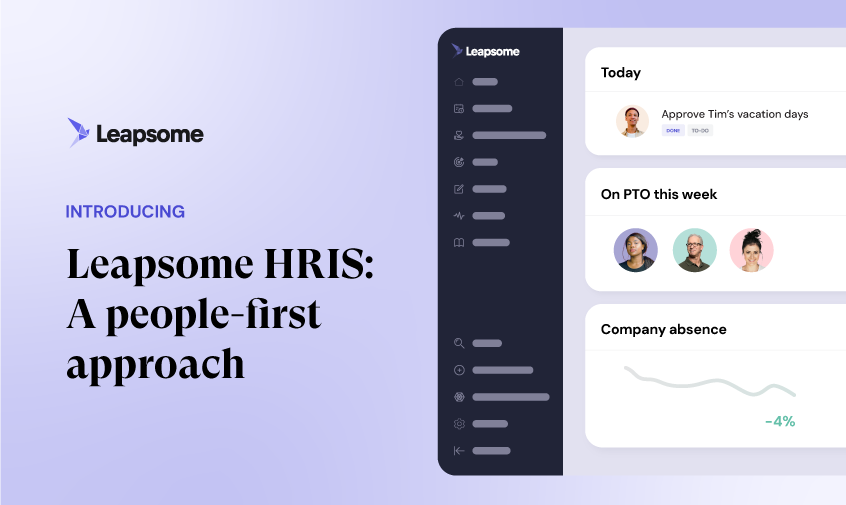
Stehen Mitarbeitendendaten im Zentrum mehrerer Probleme, schafft mit einem zentralen HRIS wie Leapsome eine verlässliche Quelle für People-Daten, mit der sich andere Tools synchronisieren lassen.
„Wir wollten ein HR-Tool bauen, das mit euch mitwächst, mit euch skaliert und bei jedem Wachstumsschritt eures Unternehmens zu eurem strategischen Partner wird.“
Suraj Paneru, Customer Success Coach, Leapsome
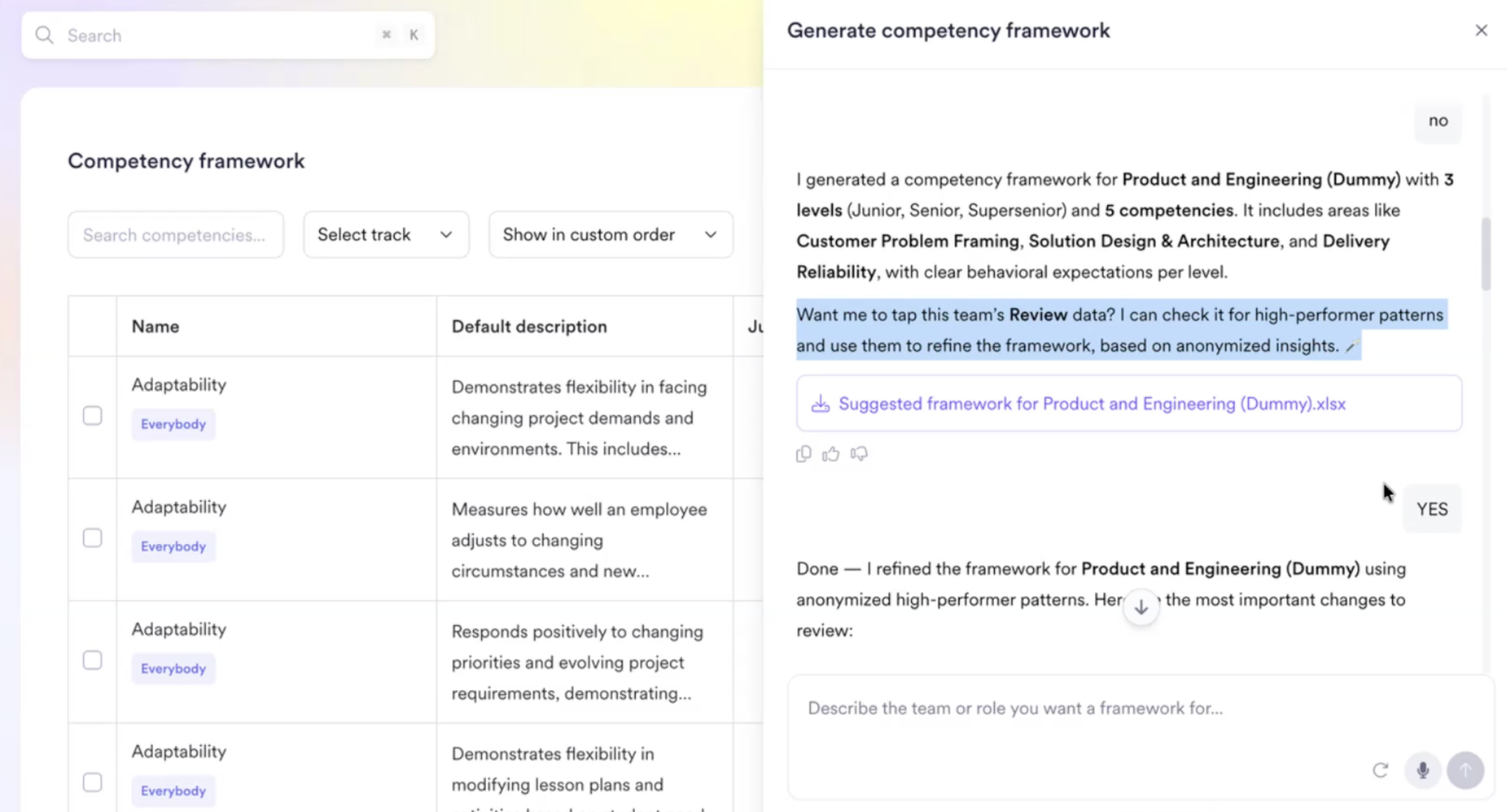
🏗️ Baut eure HR-Prozesse auf verlässlichen People-Daten auf
Leapsome HRIS sorgt dafür, dass jedes verbundene Tool und jeder Workflow Zugriff auf dieselben aktuellen Mitarbeitendendaten hat.
👉 HRIS entdecken
So wählt ihr: einzelne Tools oder eine Plattform
Die Entscheidung zwischen einzelnen HR-Tools und einer umfassenden HR-Plattform hängt von der Komplexität eurer Prozesse und dem Aufwand ab, den Stack am Laufen zu halten. Vergleicht beide Optionen anhand von fünf praktischen Kriterien:
- Funktionstiefe: Kann die Plattform den gesamten Prozess abdecken, oder würde HR eine wichtige Funktion verlieren?
- Datensynchronisierung: Welche Informationen müssen zwischen Systemen fließen, und wie erkennt ihr fehlgeschlagene Updates?
- Vertragskosten: Was zahlt ihr insgesamt für alle Tools und Vertragsverlängerungen?
- Wartung: Wie viel Zeit fließt in die Verwaltung von Berechtigungen oder die Fehlerbehebung bei Verbindungen?
- Reporting: Könnt ihr zentrale Fragen zur Belegschaft beantworten, ohne Daten zu exportieren und abzugleichen?
Einzelne Tools ergeben Sinn, wenn ein Prozess spezialisierte Funktionen braucht, etwa technisches Bewerbenden-Screening oder komplexe länderübergreifende Lohnabrechnung.
Eine umfassende Plattform eignet sich oft besser für Unternehmen mit weniger als 500 bis 1.000 Mitarbeitenden und einem schlanken HR-Team. Eine einzelne Plattform kann Übergaben reduzieren und Reporting eine konsistente Datenquelle geben. Die Unternehmensgröße ist dabei aber nur ein Anhaltspunkt. Auch ein kleineres Unternehmen mit komplexen Anforderungen an die Lohnabrechnung braucht möglicherweise ein spezialisiertes Tool.
„Ohne einen einzigen, verlässlichen Datensatz ist AI nur ein Buzzword. Bringt eure People-Daten an einen Ort, haltet sie korrekt, und erst dann liefert AI echten Mehrwert obendrauf.“
Florian Klages, Managing Partner, torq.partners
Macht noch heute einen schnellen Stack-Audit:
- Listet jedes HR-Tool auf und benennt eine verantwortliche Person.
- Markiert Informationen, die in mehr als einem System erfasst werden.
- Prüft jedes Tool ohne klare Verantwortung oder eindeutigen Zweck.
Verdienen sich eure spezialisierten Tools weiterhin ihren Platz, werden starke Integrationen entscheidend. Leapsome Integrationen verbinden HR-Tools mit zentralisierten People-Daten und reduzieren manuelle Updates sowie inkonsistente Datensätze.
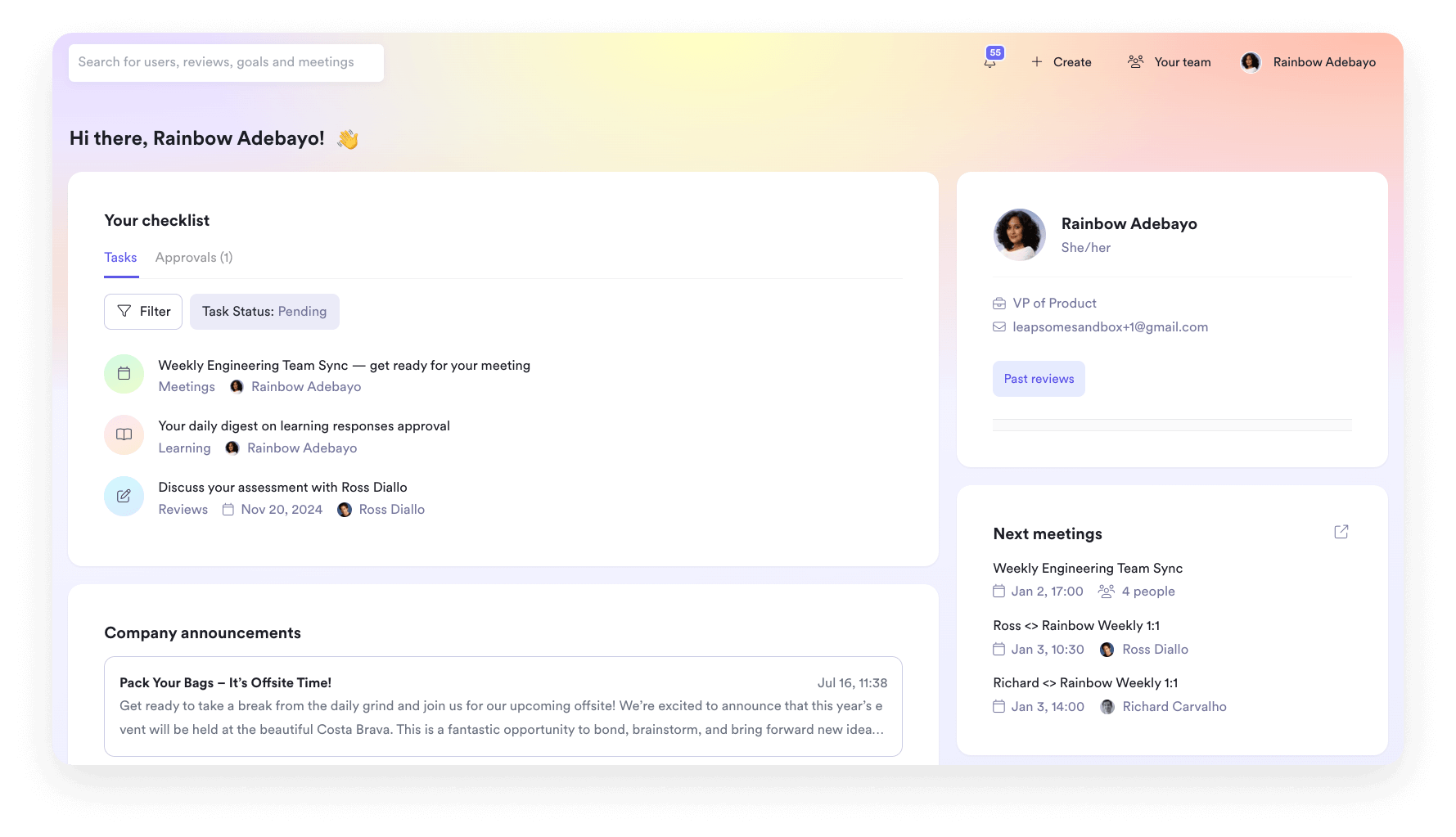
🔗 Nutzt spezialisierte Tools, ohne eure HR-Daten zu fragmentieren
Leapsome Integrationen verbinden die Systeme, die euer Unternehmen braucht, und halten Mitarbeitendendaten gleichzeitig konsistent.
👉 Integrationen entdecken
So vereint Leapsome euren HR-Stack
Ein starker HR-Stack lässt Informationen durch den gesamten Employee Lifecycle fließen. Jedes Tool sollte ein klares Problem lösen und sich mit den umliegenden Prozessen verbinden. Bricht diese Verbindung, bleibt eurem Unternehmen nur, die Scherben aufzusammeln. Mitarbeitende müssen sich durch mehrere Systeme navigieren, während die Führungsebene widersprüchliche People-Daten und Reports sortiert.
Leapsome bringt zentrale HR-Funktionen und People Enablement in eine verbundene Plattform. Mit Leapsome können Teams:
- Eine einzige Quelle für Mitarbeitendendaten pflegen: Aktualisiert Employee Records einmal und nutzt die aktuellen Informationen in allen HR-Workflows.
- Performance mit Wachstum verbinden: Nutzt Performance Reviews, um Entwicklungsbedarf zu erkennen, und verbindet ihn mit passenden Learning-Pfaden.
- Kontext zu Engagement-Daten hinzufügen: Engagement Surveys fließen in People Analytics ein und helfen euch, die Stimmung zwischen Teams zu vergleichen und Veränderungen im Zeitverlauf zu verfolgen.
- Spezialisierte Software verbinden: Synchronisiert die Tools, die euer Unternehmen braucht, über Integrations.
„Mitarbeitende finden jetzt alles an einem Ort: ihre Daten, Abwesenheiten, Ziele und Reviews. Ich muss nicht mehr erklären, welches Tool wofür genutzt wird. Es ist alles in Leapsome.“ Merilyn L, Senior People Operations Specialist, Bob W.
🧩 Baut einen verbundenen HR-Stack rund um eure Mitarbeitenden
Leapsome bringt Mitarbeitendendaten und People-Prozesse in eine Plattform, die mit eurem Unternehmen mitwächst.
👉 Demo anfragen
FAQ
Was ist der Unterschied zwischen HRIS, HRMS und HCM?
Ein HRIS speichert Mitarbeitendendaten und unterstützt die zentrale HR-Administration. Ein HRMS ergänzt meist operative Funktionen wie Lohnabrechnung oder Time Tracking. HCM verbindet HR mit Talententwicklung und Workforce-Planung. Anbieter verwenden diese Begriffe für Personalsysteme oft synonym, deshalb solltet ihr bei der Software-Auswahl für euer Team immer auf die konkrete Funktionsliste achten.

.webp)


.png)