Exempt vs. non-exempt employee guide: Differences, requirements, and best practices


Disclaimer: This content is for general informational purposes only and does not constitute legal advice. Leapsome does not guarantee legal compliance and cannot confirm how specific situations would be assessed in court. If you're unsure how the requirements apply to your organization, please consult qualified legal counsel.
An employee’s exempt or non-exempt classification can be correct when you hire them and questionable a year later. A promotion often adds supervisory duties, while a team restructure may leave someone with less decision-making authority. Yet their original status often remains unchanged in the HRIS and payroll system.
The World Economic Forum expects 39% of workers’ core skills to change by 2030, so the job description HR used for the initial duties test may stop reflecting the role sooner than you expect.* Payroll may then calculate wages from an outdated classification, while managers set schedules without understanding who is exempt from overtime pay.
Discover how exempt versus non-exempt employee classifications work, when you should review them, and how to keep your records aligned with real employee work.
* World Economic Forum, 2025
What’s the difference between exempt and non-exempt employees?
The main difference between exempt and non-exempt employees concerns protection under the Fair Labor Standards Act (FLSA). Covered non-exempt employees qualify for overtime pay, while exempt employees don’t.
Despite common misconception, salary alone doesn’t decide an employee’s status. You need to consider how you pay someone and what authority they exercise in their role. In addition, state laws may impose stricter rules, so federal requirements only provide your starting point for compliance.
What’s an exempt employee?
An exempt employee doesn’t qualify for the FLSA’s minimum wage and overtime protections. To use the common executive, administrative, or professional exemptions, you generally need to confirm that the employee:
- Receives a fixed salary that doesn’t fluctuate based on hours worked.
- Earns at least $684 per week.
- Performs duties that meet the criteria for a recognized exemption.
Different requirements apply to some computer employees and outside sales roles. In addition, job titles carry no legal weight. For example, calling someone a manager doesn’t make them an exempt worker if their job duties give them little authority over people or business decisions.
What’s a non-exempt employee?
A non-exempt employee receives the FLSA’s wage and overtime protections. You must pay them at least the applicable minimum wage. When they work more than 40 hours a workweek, they generally earn overtime at one and a half times their regular rate. Many non-exempt employees receive hourly pay, but they can also earn a salary.
Common non-exempt jobs include trade workers, administrative support, and retail associates. However, no specific role is always non-exempt. If a role fulfills the requirements for an exemption, the employee is exempt regardless of job title.
Key differences at a glance
Understand the core differences between exempt and non-exempt using the table below. Because the duties an employee performs ultimately carry more compliance weight than their title or schedule, this information is a great starting point:
| Classification factor | Exempt employee | Non-exempt employee |
|---|---|---|
| Pay structure | Usually receives a predetermined salary that meets the applicable threshold. | May receive hourly pay or a salary. |
| Overtime eligibility | Doesn't qualify for FLSA overtime. | Generally earns overtime after 40 hours in a workweek. |
| Reporting requirements | May track time for operational purposes, although pay doesn't usually depend on hours worked. | Requires complete time records of all hours worked. |
Why employee classification mistakes happen after the initial decision
“If your HR systems don’t really talk to each other… you kind of have to pull this from your HRIS, this from your performance review, this from payroll… I think the trails break down a little bit.”
— Sammie Masley, People and Talent Partner at Leapsome
Some classification errors begin at hiring, but even a sound decision has a shelf life. Without defined review triggers, everyday workforce changes can make initial assessment unreliable.
Role responsibilities evolve over time
Employees rarely wait for HR to update a job description before they take on different work. For example, a team lead may begin directing colleagues without receiving formal management authority. Elsewhere, a manager may retain their title after their direct reports move to another team.
If you maintain an org chart without reviewing the work behind it, the classification record may describe a role that no longer exists in practice.
Compensation structures change
A move from hourly pay to salaried employee can look like a natural point to switch an non-exempt worker to exempt status. However, the new pay structure only satisfies part of the legal test. The employee’s duties must also qualify for an exemption.
Also, a revised salary level may fall below the applicable threshold, particularly in a state with stricter requirements. For example, by 2028, Washington state will require exempt employees to earn 2.5 times the state’s minimum wage. Which is roughly $1,541.70 per week versus the standard $684.
Payroll should treat compensation updates as prompts for review rather than using it as a signal to update the status in the employee profile.
Workforce records become inconsistent
A classification decision loses value when each system holds a different version of it. Your HRIS may identify an employee as exempt while payroll remains configured to calculate overtime. Their manager may rely on an outdated job description when assigning work.
These conflicts often surface only when an employee challenges their pay or an HR audit forces you to compare records. Gartner estimates that poor data quality costs organizations an average of $12.9 million each year, and inconsistency across sources is a leading cause.
A centralized HRIS like Leapsome gives you a single source of truth for each employee’s classification and the role information behind it.
“You can filter by timeframe, team, or contract type, and even compare groups — it gives real control over what you see, when you see it, and who sees it.”
— Sophie O’Donoghue, Customer Success Coach, Leapsome
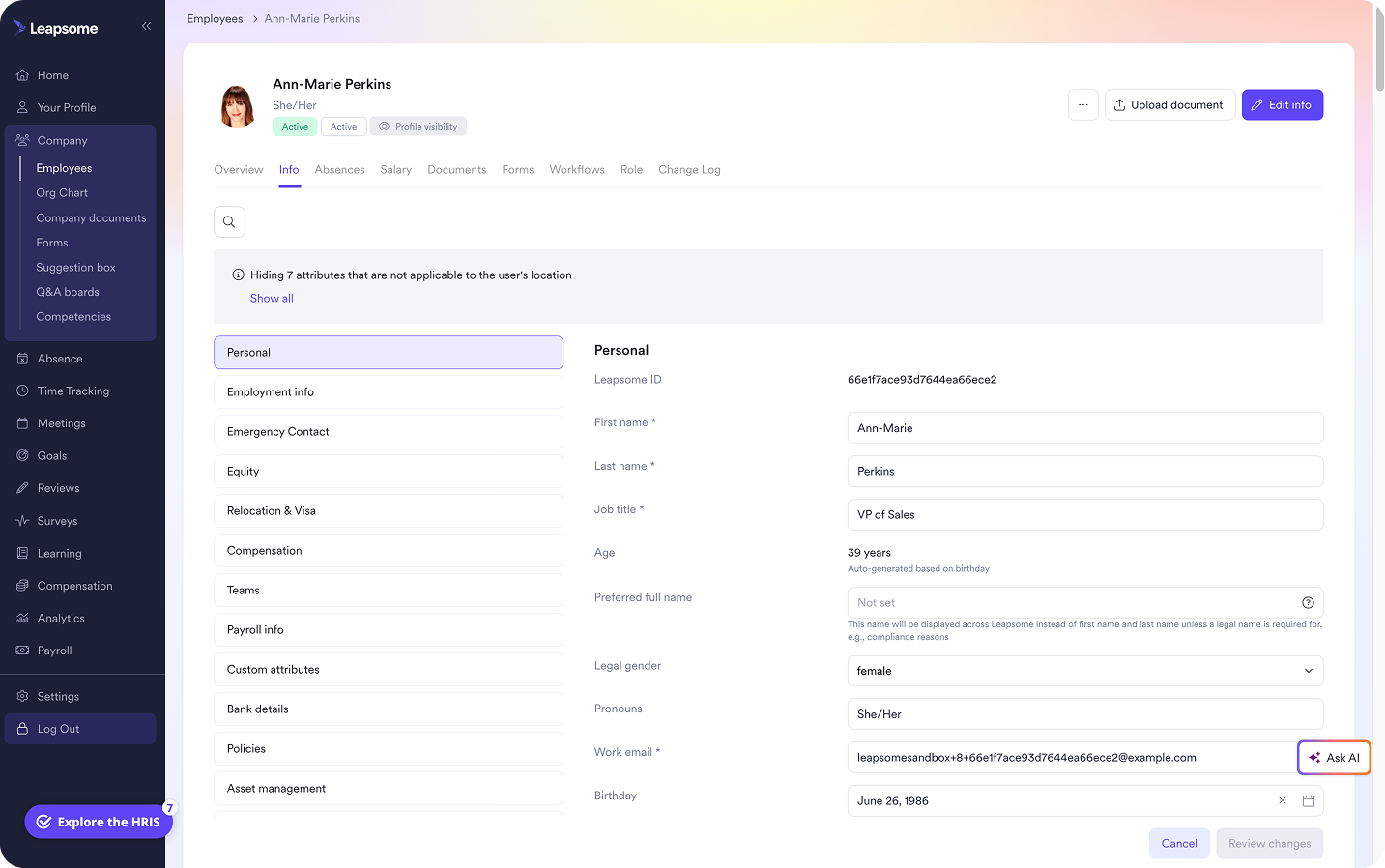
⚖️ Keep employee records aligned as work changes
Leapsome helps you maintain accurate employee records and improve data consistency throughout the employee lifecycle.
👉 Explore Employee Records
How to keep employee classifications accurate after hiring
Accurate classifications depend on what happens after HR approves them. You need defined review points, managers who understand the practical implications, and workflows that carry every change into payroll.
Build classification reviews into workforce changes
Don’t rely on an annual audit to catch roles that have changed months earlier. Build a classification review into the HR processes where those changes become visible.
For example, a promotion should prompt HR to reassess the employee’s work with the duties test, which captures what an employee does at a particular point in time. Or a compensation update should trigger a check against the relevant federal and state salary thresholds.
“Leapsome is powerful enough to already know the local regulations that apply in your geography — and flags it if your setup isn’t compliant.”
— Suraj Paneru, Customer Success Coach, Leapsome
Document the reasoning behind each decision, including the duties and pay requirements you assessed. This creates a stronger record than an “exempt” checkbox with no context and gives HR a clear baseline for the next review.
Give managers clear classification guardrails
Managers don’t need to interpret every FLSA exemption, but they should understand how each employee’s status affects daily decisions. At minimum, every manager should know which team members qualify for overtime and what to do before assigning extra hours.
Since Gallup finds that managers account for 70% of the variance in team engagement, confusion at this level can affect more than compliance, eroding employee trust. Without classification clarity, a manager may ask a non-exempt worker to finish a task after clocking out. Another may treat exempt status as permission to keep expanding someone’s workload. Inconsistent treatment can also leave employees wondering why colleagues receive different pay for additional hours.
Train managers to raise role changes with HR before they become informal expectations. Give them a clear escalation route for questions about scheduling or overtime.
Connect classification changes to payroll workflows
“Trying to use that system as the one point of truth, all the HR data is in there, all the documents are saved in there.”
— Erica Ancobia, CEO and Managing Director at KUNO
When HR updates an employee’s classification, payroll should receive the new status before the next pay cycle. The manager should also get guidance on how the change affects time tracking or overtime approval.
Regular reporting can help you find gaps. For instance, HR can compare exempt status with salary data to flag employees below the applicable threshold. An audit can also identify non-exempt employees whose records show no working hours.
Add classification checks to your payroll implementation and regular payroll reviews. When using an HRIS like Leapsome, HR and payroll can work from the same approved employee record before changes affect an employee’s pay.
“We even flag compliance risks — for example, if a country requires a minimum of 20 paid days off, the platform won’t let you go below that.”
— Suraj Paneru, Customer Success Coach, Leapsome
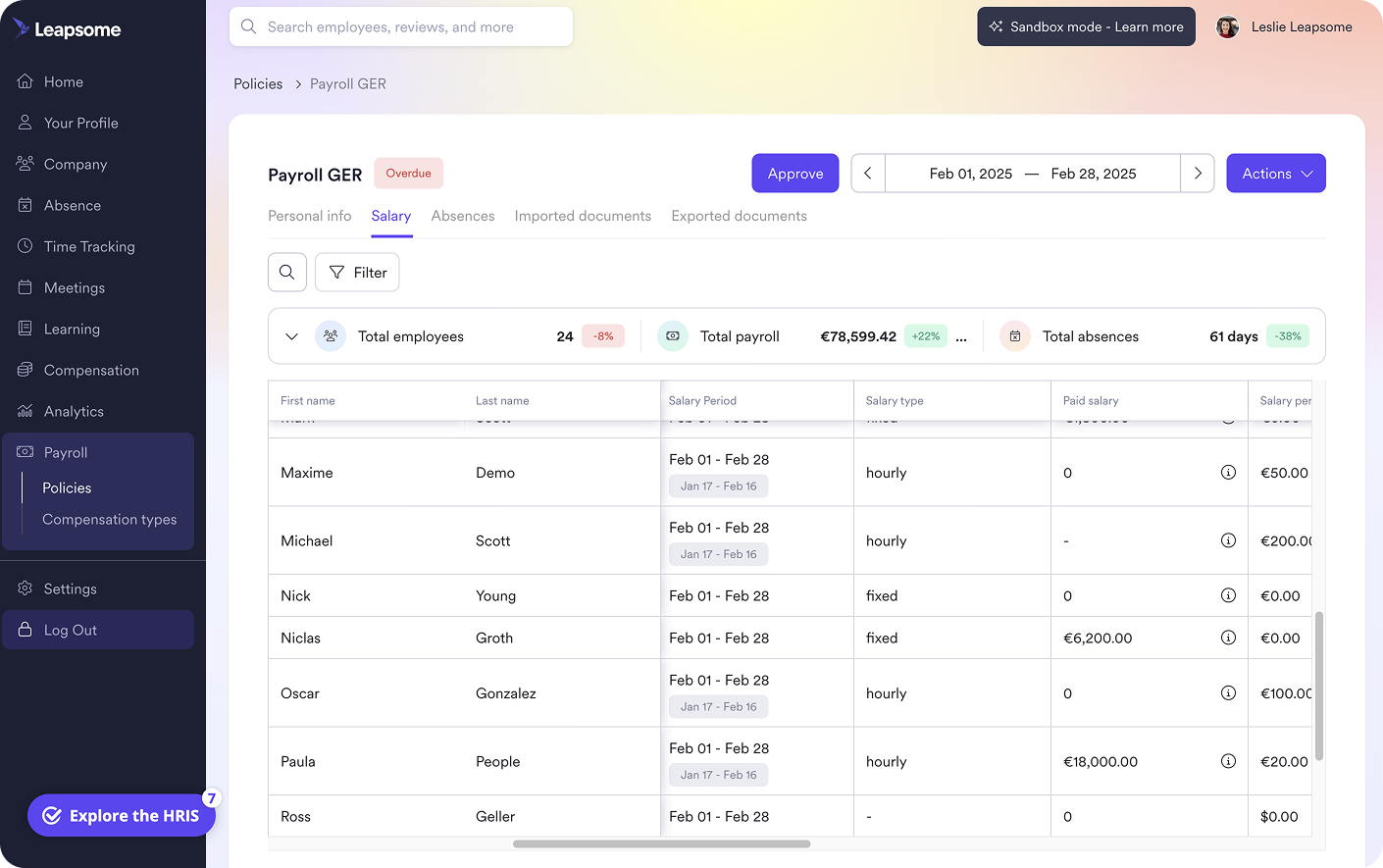
🗂️ Bring accurate employee data into payroll preparation
Leapsome Payroll Prep helps you centralize employee records, track workforce changes, and prepare reliable payroll data with less manual reconciliation.
👉 Explore Payroll Prep
Improve workforce visibility with Leapsome
As your workforce grows, classification decisions become harder to maintain across employee records and payroll. A role change documented by HR may not reach payroll, while managers continue making scheduling decisions based on an outdated status.
You can’t turn every manager into an FLSA expert, but you can build reliable workforce data that helps HR recognize when a classification deserves another look.
Leapsome’s all-in-one HRIS gives you a single place to manage employee records and the information payroll relies on. When someone changes roles or receives new compensation, you can review the updated record before an outdated classification affects their pay.
Leapsome supports accurate classification data with:
- Employee Records: Keep classification, role, and compensation details in one employee profile, with configurable access to sensitive fields.
- People Analytics: Filter workforce data to spot inconsistencies that may require a classification review.
- Payroll Prep: Prepare approved employee data for payroll without reconciling records across disconnected systems.
- Workflow Automation: Assign review tasks when a promotion or compensation change may affect an employee’s status.
“With Leapsome, we were able to automate performance reviews, goal setting that was even prior, but now even further and onboarding and offboarding and that together helped us save about 20% of the manual effort of our team.” — Weronika Czerny-Nowakowska, Chief Operating Officer | Neurons Lab
🤝 Make every classification easier to maintain
Leapsome gives HR and payroll a reliable source of workforce data as your organization scales.
👉 Request a demo
FAQ
Can an employee be both exempt and non-exempt?
No, under the FLSA, an employee can’t be both exempt and non-exempt at the same time. A worker must have a single classification per employer, even if they perform a mix of duties. The employer must consider the employee’s primary duties to make the decision.