Employee directory: Free template and best practices for HR


An employee directory gives team members one place to see who works at the company, what they do, and how to contact them. But a directory only works when people can trust it. If it’s difficult to use or rarely updated, it can waste time instead of saving it. And 62% of employees already report spending too much of their workday searching for information.*
An employee directory template helps you create a well-organized tool quickly. But the real challenge is maintaining it over time. Keep reading for practical advice on keeping your employee directory accurate and useful as your organization scales.
* Microsoft, 2023
What’s an employee directory?
An employee directory is a searchable internal resource that gives employees a practical way to connect and collaborate without relying on HR to find the right person.
What’s an employee directory template and why does it matter?
“Once you normalize open channels and shared documents, people stop hoarding information. Context becomes everyone's superpower.”
— Luck Dookchitra, VP People & Culture, Leapsome
An employee or staff directory template gives you a consistent structure for collecting and presenting workforce information. It makes roles and expertise visible to everyone, regardless of location or time zone.
A well-maintained staff directory:
- Improves internal communication: Employees find the right colleague by role or department instead of CCing everyone or asking around.
- Speeds up onboarding: New hires learn who their teammates are and understand how their role connects with the wider organization.
- Reduces repetitive questions for HR: Employees find routine information themselves, freeing up administrative time for HR.
The visibility a good company directory template provides is especially important for global and distributed teams. A study of more than 61,000 Microsoft employees found that the shift to remote work reduced the share of collaborative time spent with colleagues in other groups by around 25%. Without a reliable way to discover people across the organization, an employee’s network can quickly shrink to a few people they talk to every day.
Free employee directory template
A printable employee directory template helps you capture the right information in the same format every time.
🪪 Build a useful directory from day one
Our free template covers the essential information employees need, so you can create consistent profiles without deciding on every field from scratch.
👉 Download the template now
What to include in an employee directory template?
“Stakeholders often worry, 'Will others see the wrong things?' Modern HRIS permissioning answers that. Managers see their directs, Finance sees cost data, employees see their own records and nothing more.”
— Carolin Leidel, Consultant, torq. Partners
A well-designed employee directory template should capture enough information to help employees identify the right colleague while keeping profiles intuitive and easy to scan.
Here’s what you should include:
- Employee name, title, department, and manager: A good staff contact list shows each person’s role and where they sit within the company structure.
- Employee contact information and location: Add work contact details, office or remote location, and time zone so employees know how and when to reach one another.
- Team, skills, or areas of expertise: Make capabilities searchable so employees can find support even when they don’t know the relevant person’s name.
You can also add custom profile information, such as preferred pronouns, professional headshots, or birthdates. Keep personal fields voluntary, and only request information that serves a clear purpose.
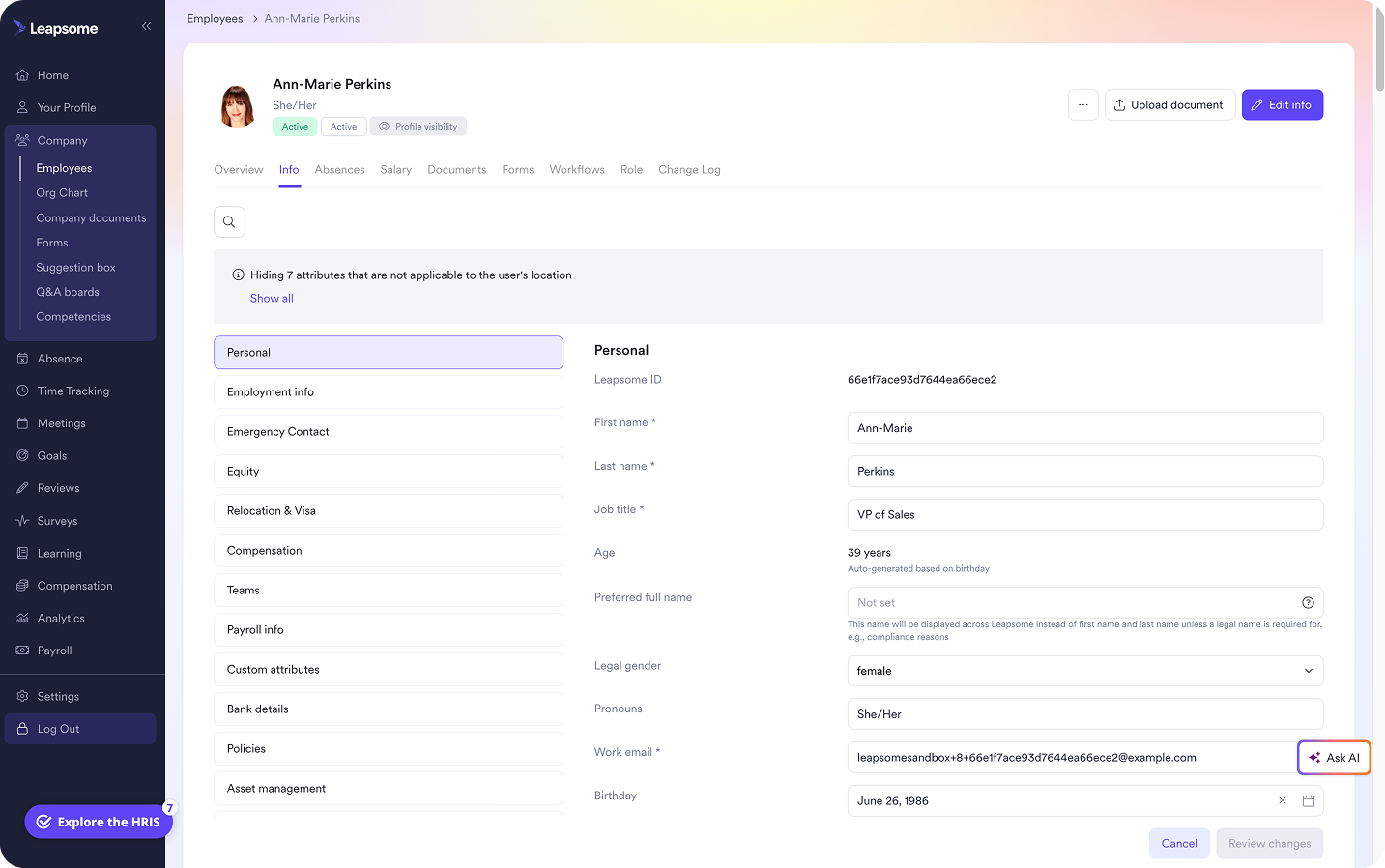
A spreadsheet may work for a team of five, but every new hire, role change, transfer, and departure adds another manual update. As your company grows, an HRIS like Leapsome gives you a more reliable foundation by keeping employee records searchable and easier to update.
“Employees can update their own personal information, and it's sent to HR for approval — no need for back-and-forth emails.”
— Sophie O'Donoghue, Customer Success Coach, Leapsome
📌 Keep employee information current as you grow
Leapsome reduces reliance on manual directory updates by keeping employee records connected and easier to maintain.
👉 Explore Employee Records
Turn your employee directory into a trusted source of truth
“Many HR teams still struggle with the basics — too many disconnected tools, limited insights. That's why we built a truly people-first HRIS that unifies all employee data into one source of truth.”
— Suraj Paneru, Customer Success Coach, Leapsome
A few outdated job titles or departed employees are enough to make people question the value of an employee directory. Eventually, they’ll stop bothering to use it.
Keep the directory reliable with a few steps:
- Assign clear ownership: Give HR responsibility for data standards and specify who updates each field. Employees may manage their skills or profile photos, while HR owns employment details like roles and reporting lines.
- Separate essential fields from optional details: Require the information employees need to collaborate, then let people choose whether to share personal details like preferred pronouns or birthday info. Set limits on who can view each field. Salary, health information, and other sensitive HR records shouldn’t become visible if your directory draws data from your HRIS.
- Build updates into existing HR processes: Instead of relying on occasional directory cleanups, update profiles whenever you onboard someone or approve a promotion.
- Make the directory easy to use: Use consistent job titles and department names so employees can search using terms they already know. Keep the directory somewhere employees naturally look for information.
An accurate directory gives new hires a clear introduction to the organization and helps employees branch out their network. Managers also gain better visibility into roles and reporting relationships. That shared view strengthens collaboration and organizational transparency without making HR responsible for every connection.
🏁 Start every employee record on the right foot
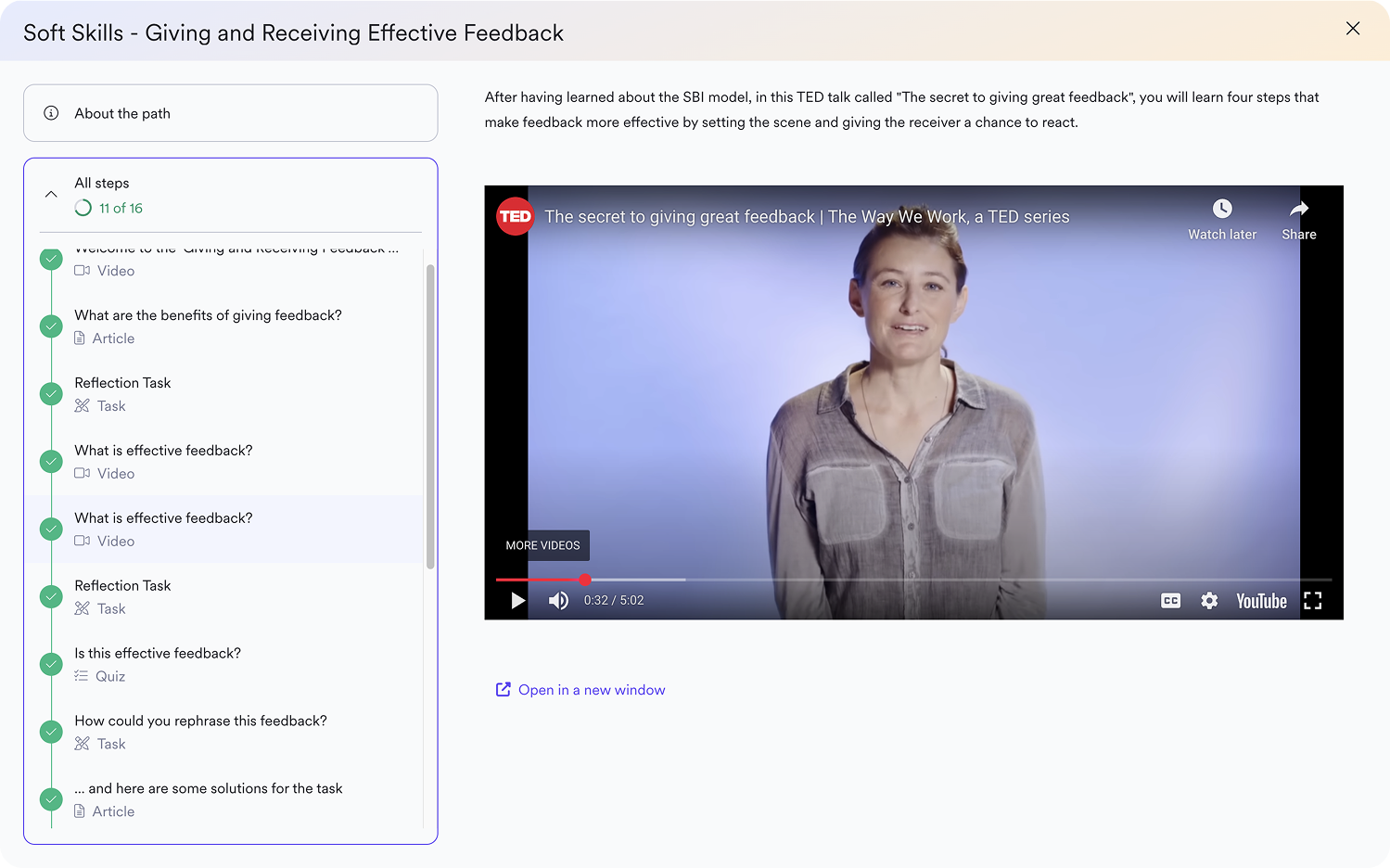
Leapsome’s Preboarding & Onboarding helps you collect employee information before day one, introduce teammates, and automate profile completion so new hires enter the organization with accurate records from the start.
👉 Explore Preboarding & Onboarding
Build a scalable staff directory with Leapsome
A missed role change here or a forgotten new hire there can make directory spreadsheets fail over time. Employee details end up spread across files, documents lose their connection to the right profiles, and HR has to reconcile conflicting information. Once employees notice those inconsistencies, they stop trusting the directory.
Leapsome brings the records and workflows that shape your directory into one connected HR platform. With Leapsome, teams can:
- Centralize employee data: Employee Records give you one secure, searchable source for current workforce information.
- Connect documents to employee profiles: Documents & E-Signatures keep important files with the people they relate to instead of scattering them across folders and inboxes.
- Collect accurate information from the start: Preboarding & Onboarding workflows gather key details for new employees before day one and reduce manual data entry for HR.
These processes share the same employee data, so updating info in one spot keeps your records accurate elsewhere. You gain a scalable source of truth, and employees get a directory they can rely on.
“With Leapsome, we were able to automate performance reviews, goal setting, onboarding and offboarding, and that together helped us save about 20% of our team's manual effort.” — Weronika Czerny-Nowakowska, Chief Operating Officer, Neurons Lab
🏛️ Give your staff directory a stronger foundation
Leapsome helps you move beyond disconnected spreadsheets with employee information that stays connected from preboarding onward.
👉 Request a demo
FAQ
How does an employee directory template help internal communication?
An employee directory template helps HR capture the same essential details for every employee. This makes it easier for colleagues to identify who owns a particular responsibility and contact the right person without bogging down the entire team or HR department with questions.
How often should you update an employee directory?
Update your employee directory whenever someone joins, leaves, changes roles, or moves teams. Don’t rely on occasional cleanups. Connecting directory updates to existing HR workflows keeps information accurate and prevents employees from losing trust in it.

.png)



.jpg)
.png)