AI workforce management: Better data, better decisions


While 95% of organizations have implemented AI in some capacity, a Gartner survey says just one in five have seen significant or transformational value from it.* Many HR teams still manage workforce tasks through a tangle of spreadsheets, email threads, and disconnected tools — a shaky foundation at best. AI-powered HR tech can be potent, but only when it runs on connected, reliable people data and human oversight.
Most leading articles on AI workforce management are about contact centers and shift workers or project-based teams instead of everyday HR realities. This guide covers what AI workforce management is, practical use cases, and how Leapsome helps HR managers and AI work with clean, connected data.
* Gartner, 2026
What is AI workforce management?
AI workforce management uses AI in HR to support better decision-making across areas like planning and shift scheduling, staffing and attendance monitoring, and performance management. Algorithms analyze historical data and current inputs to make predictions about what your team needs, generating recommendations for HR and managers to review and approve.
AI-powered workforce management software is distinct from rule-based platforms. These platforms handle basic tasks, such as scheduling based on preset rules and recording what already happened. Workforce management AI, on the other hand, learns from patterns and adapts to new inputs.
In light of the opportunities and challenges of AI in HR, adoption varies significantly by company size. Recent SHRM research says 60% of the largest organizations have adopted AI in HR, compared to about 1 in 3 for smaller organizations. Smaller HR teams have less capacity for absorbing mistakes, so practical guidance (like the advice below) carries extra weight.
Intelligent workforce management rests on connected HR data
Most AI workforce management guides concentrate on features, but that’s putting the cart before the horse. The first question to settle is whether your data is accurate and connected enough for AI to actually use it. When scheduling, absence, performance, and employee records are scattered across separate tools, the numbers might not align, which means extra administrative work and longer reporting times. Worse, AI might base its recommendations on incomplete or outright wrong information, making them unreliable at best.
"Without a single, reliable data set, AI is just a buzzword. Put your people data in one place, keep it accurate, and only then will AI deliver value on top."
– Florian Klages, Managing Partner at torq. partners
A 2024 Gartner survey reveals that only 24% of HR employees say their department is getting maximum value from its HR tech. Implementing AI won’t bridge the divide unless the right building blocks are in place. Here’s what those building blocks look like, with quick readiness checks to evaluate your systems.
Round up your people data first
AI can only link signals it can see. That means employee, absence, timesheet, performance, and payroll data should either live in the same HRIS or connect with each other through integrations and application programming interfaces.
See if your setup is ready by beginning with an everyday request from leadership to see last month’s headcount, turnover rate, or overtime numbers. Pull the figures from every system that has them, and check whether they match. If they don’t, AI’s answers will be just as unreliable.
With Leapsome, integrated data is built in from the beginning. All your employee data feeds directly into goals, performance reviews, and learning so everyone draws from the same reliable source.
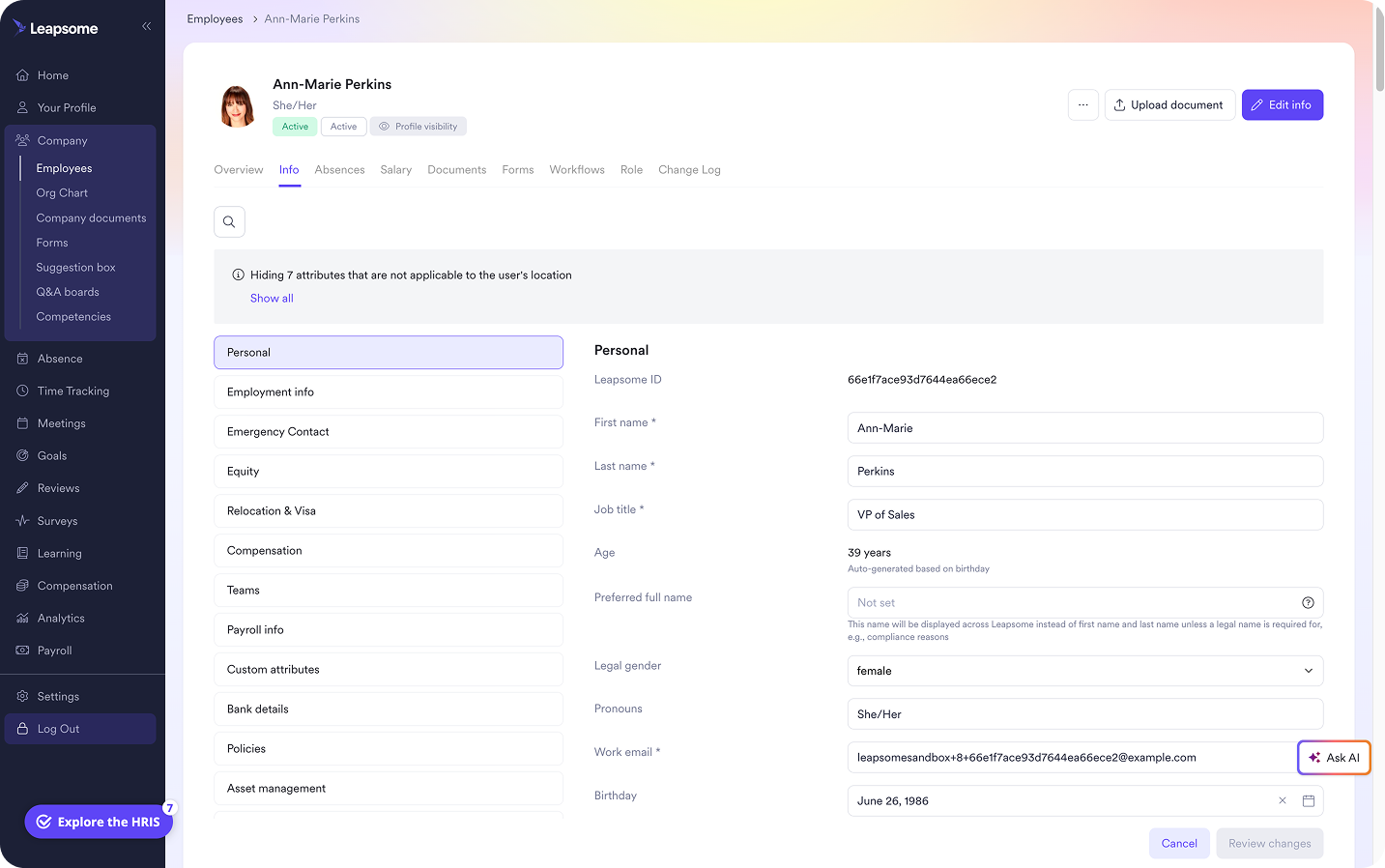
🔗 Put AI insights on a rock-solid foundation
Give HR, managers, and AI the same up-to-date view, with role-based access to control who sees what.
👉 Explore Employee Records
AI recommends, humans decide
AI needs to analyze multiple datasets to forecast demand and flag potential risks so HR and managers can decide what to do about them. Consider this hypothetical: AI identifies a recurring trend in which rising absences consistently overlap with major project deadlines — potentially an early sign of burnout. The team manager decides how to rebalance workloads before the next crunch, and absences around deadlines drop.
"Dashboards remove the detective work. If a leader has a gut feeling about absence spikes, they can verify it in seconds and act. Real-time beats month-old exports every single time."
– Florian Klages, Managing Partner at torq. partners
To test your readiness here, imagine AI flags a burnout risk on one of your teams tomorrow. Would everyone agree on who should follow up? If not, settle that first, since the same person should review (and potentially override) AI recommendations.
Start small and scale up
Lean HR teams should begin with a single high-impact workflow, then measure improvement and expand from there. That way, problems surface while they’re still small and easy to fix. This might seem like a no-brainer, but 56% of HR professionals in a SHRM survey say their organization doesn’t formally measure the success of its AI investments.
Before scaling, put three guardrails in place:
- Accountability: Assign an owner to each type of AI output so human oversight never slips through the cracks.
- Data access: Put AI features on a need-to-know basis, restricting the data they can see to what each workflow requires.
- Transparency: Tell your team where AI touches the employee experience.
An AI policy template can help you document these precautions.
"Stakeholders often worry, ‘Will others see the wrong things?’ Modern HRIS permissioning answers that. Managers see their directs, finance sees cost data, employees see their own records and nothing more."
– Carolin Leidel, Consultant at torq. partners
Find out if you’re ready by naming the workflow you’ll begin with, such as answering routine leave questions, and which metrics you’ll use to judge it. If you have trouble coming up with either one, you might not be ready for AI implementation yet.
How is AI being used in workforce management?
One of the core benefits of AI in workforce management is automating repetitive, data-heavy tasks like tracking leave and generating schedules. Here are three areas where AI can improve efficiency and productivity.
Forecasting and scheduling
AI helps teams plan ahead by applying predictive analytics to past demand, employee availability, and competencies to forecast staffing needs and optimize employee scheduling. This helps HR and managers schedule shifts more effectively and avoid under- or over-staffing. It also cuts down on administrative busywork.
Compliance, reporting, and risk control
AI can compare timesheet and absence records against labor laws and internal policies to identify mismatches and automatically generate reports. That means faster audits and fewer mistakes from manual checks, in turn reducing overall compliance risk.
Absence, leave, and attendance monitoring
AI can route time-off requests to the right manager and flag overlapping absences before they leave a team shorthanded, as well as flag attendance anomalies for HR review. HR gets more advance notice about coverage gaps and can apply policies more consistently because approvals don’t depend on which manager handles them. A human should always be in the loop for sensitive requests like medical or family leave.
When leave requests, approvals, and balances live in disconnected silos, it’s harder for AI to put the pieces back together. Leapsome stores everything in the same interlinked location, giving AI Agents the context they need to do their best work.
"Look for one platform that covers your key needs and integrates with your stack. Don't scatter data across 10 or 20 disconnected tools." – Katerina Arsova, Former Head of People and Talent Operations and Partnerships at Leapsome
🤖 Trade endless busywork for near-instant answers
Let employees quickly request time off and let managers conveniently drill into absence data through simple conversations with AI Agents.
👉 Explore Absence Management
Give AI one connected source of people data with Leapsome
With leadership always asking for faster, data-backed decisions, lean HR teams don’t have the spare bandwidth to investigate the same questions about leave balances, policies, or headcount time and time again. Disconnected tools compound the issue, forcing HR pros to piece together answers from multiple systems.
Leapsome’s AI-powered HRIS and people management platform connects core employee information with people development data in one shared system:
- Leapsome AI: Drawing on the single and connected source of truth, AI Agents can answer virtually any question about absences, payroll, meetings, documents, goals, performance reviews, engagement surveys, or learning. There’s no need to hop between multiple tools to find what you’re looking for. AI Agents respect role-based access permissions so sensitive data stays private.
- Absence management and time tracking: Managers handle leave requests, approvals, and hours logged in the same software the HRIS lives in. This limits the need for manual reconciliation and ensures AI has reliable absence and attendance data to work with.
- Analytics: AI Agents can build custom analytics widgets from plain-English questions about people data, including clear written explanations. You can dig into the numbers with an intuitive back-and-forth to make data-driven decisions without building every report manually.
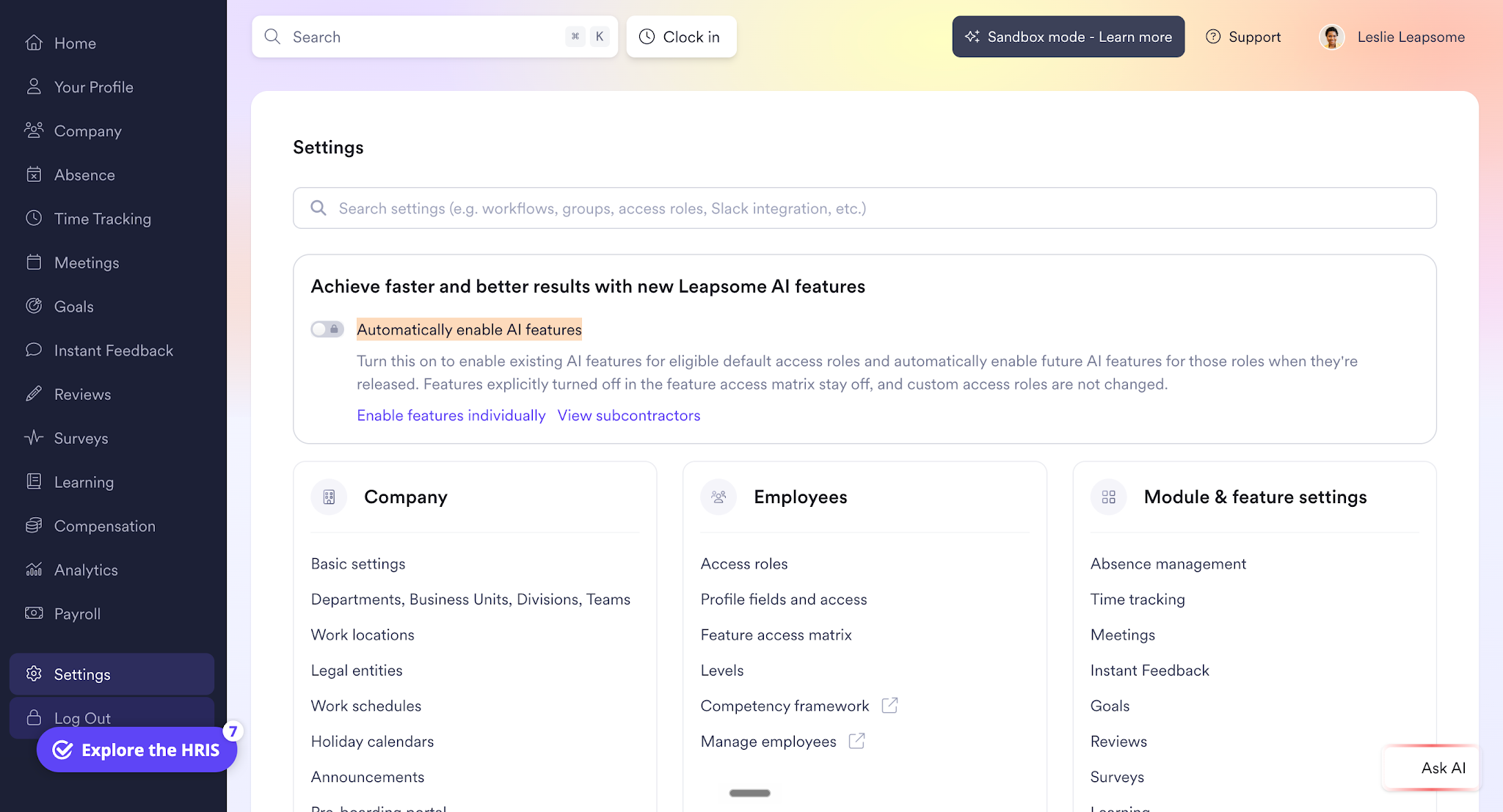
AI Agents come with every Leapsome plan at no additional cost. To allow testing one workflow at a time, admins can toggle AI by feature and role.
"Leapsome brought all the systems together into one spot. Single sign-on. Easy." – Susan Fort, Senior Director of Training and Development at GoCanvas
🕵️ Stop playing detective
Link all your data in one HRIS and people management platform and let AI chase down answers while you stay in control of decision-making.
👉 Request a demo
FAQ
What features should AI workforce management software have?
The best AI workforce management software includes:
- Predictive analytics and demand forecasting
- Employee scheduling
- Absence and attendance tracking
- Compliance checks
- Workforce analytics
- Role-based data access
- Human approval steps
- Integrations with the rest of your HR stack
Leapsome Team